Nov 11, 2026
A light gauge steel framing machine can produce the wrong members accurately if it receives an outdated production file. A clear revision process helps keep approved drawings, machine instructions and assembly information aligned. This is especially useful when several wall panels or building zones are released at different times.
Define the production release
Give each released package a project identifier, zone or panel reference, revision and approval date. Keep the approved drawing, member schedule and exported production file together. A file named “final” is not enough when another revision arrives later. The operator should be able to identify the authorized package without comparing several email attachments.
Confirm the software-to-machine interface
Before planning a digital workflow, confirm which file formats and software versions the proposed machine controller accepts. A CAD drawing or BIM model is not automatically a machine-ready file. Ask the supplier to demonstrate the intended export and import process using representative project data. Include the required member lengths, hole operations and labels in that demonstration rather than checking only whether a file opens.
Separate approved files from working files
Use a designated release location with a clear owner. Store superseded files in an archive so they remain available for traceability but are not mistaken for current production instructions. Record which revision was loaded for each batch. Where the controller requires a local copy, include that copy in the revision procedure; updating the office folder alone does not necessarily update the machine.
Assess changes against work already completed
A revised opening dimension may affect several members and their connections. Compare the new release against the previous one and identify what has already been formed, assembled or packed. Keep affected material identifiable while the responsible team decides whether it remains usable. Avoid automatically rerunning an entire file, which can create duplicate members and conceal the actual replacement requirement.
Check a representative assembly
After a meaningful revision, follow the approved inspection process and verify a representative set of members against the new drawing. Check that identifiers, orientation and connection details agree with the assembly information. Machine dimensional checks and design approval serve different purposes; passing one does not replace the other.
For physical checks, see our first-piece inspection guide. For keeping produced members organized, see profile labels and assembly batches.
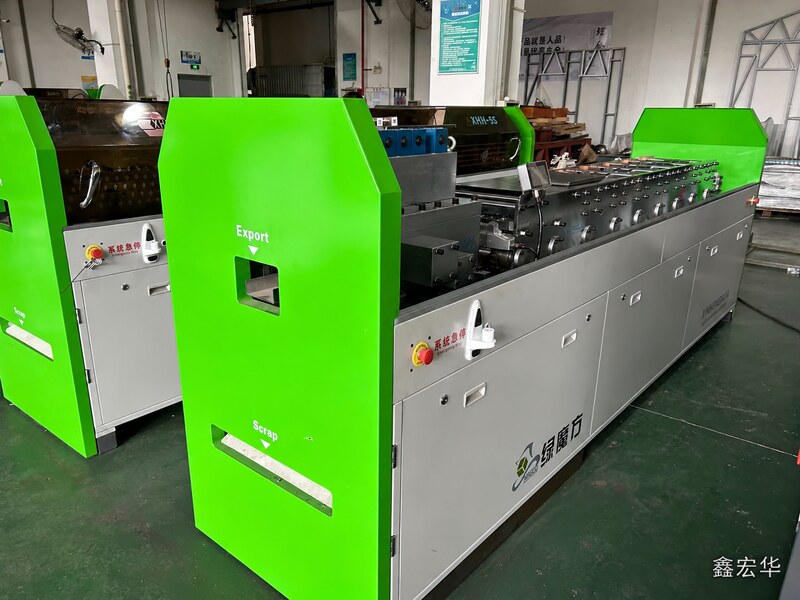
When discussing a light steel framing line with Xinhonghua, provide a sample drawing package and describe how your team approves revisions. The useful question is not simply whether a machine supports digital input, but whether the complete release process can be demonstrated with your actual production requirements.
Read More

 IPv6 network supported.
 +86 13605085003
 sunnie@xhhjx.com


